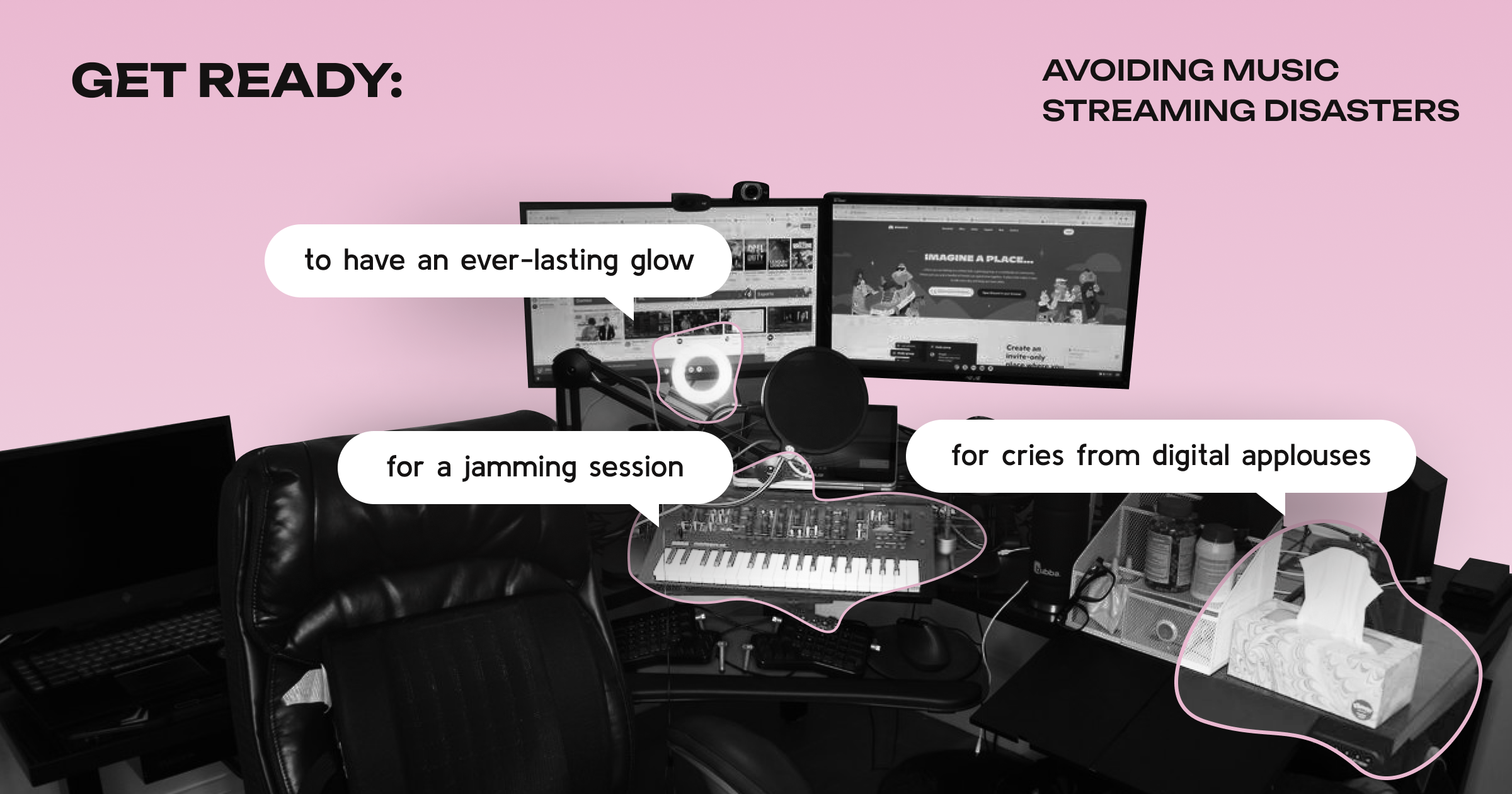
Live Streaming a Music Event: 5 Mistakes That Kill Virtual Concerts (And How to Fix Them)
Live streaming has changed how artists reach fans, but the gap between a virtual concert that builds loyalty and one that destroys it comes down to one thing: preparation. According to Vimeo's 2024 Live Event Report, 62% of viewers won't attend another event from the same organizer after a technical failure. For any artist or brand treating virtual concerts as a serious revenue channel, that number defines both the risk and the opportunity.
Here are the five most common mistakes, and the systems that prevent each one.
Mistake 1: Skipping Real Technical Testing
Most technical failures aren't caused by bad technology. They're caused by testing in the wrong conditions. By the time your stream goes live, you should have already solved every foreseeable problem.
What to test before every live stream:
Stream quality at your target bitrate on both wired and wireless connections
Platform-specific audio latency (Discord, YouTube Live, and Twitch all handle buffering differently)
Moderator and admin access permissions under live conditions
Your backup platform, configured and tested, not just identified
Mobile viewer experience (most audiences watch on their phones)
Run a minimum of two full dress rehearsals. Complete the final one at least 48 hours before the event to leave time for fixes.
Mistake 2: No Community Management Plan
Live chat is simultaneously your most powerful engagement tool and your biggest liability. Without a moderation structure in place before the event opens, one disruptive user can ruin the experience for thousands. Well-managed communities generate up to 72% higher engagement than unmoderated ones.
The core system:
Assign one moderator per 300–400 expected attendees
Pre-configure roles and permissions, don't improvise permissions under pressure during a high-volume event
Brief moderators with a specific playbook: what triggers a warning, what triggers a ban, and what the brand tone sounds like in the chat
Start engaging the community 3–5 days before the event with countdowns, artist Q&As, and fan prompts, this primes the audience for active participation rather than passive viewing
Mistake 3: A One-Post Promotion Strategy
A single announcement won't drive attendance. The average person sees hundreds of promotional messages daily. Virtual concert promotion requires a sustained campaign with escalating urgency, not a single post and a hope.
A simplified pre-event timeline:
4–6 weeks out: Announce the event, set up reminder links, launch a UGC campaign (fan covers, "first listen" memories, setlist requests)
2–3 weeks out: Behind-the-scenes content, artist Q&A, countdowns
1 week out: Final reminder sequence, setlist teases, platform join instructions
Day of: Morning reminder + countdown posts at 2 hours and 30 minutes before start
Clear multi-touchpoint communication increases event attendance by up to 30%.
Mistake 4: Assuming Live Performers Need No Virtual Prep
An artist who commands a room doesn't automatically command a camera. Virtual performance is a different skill. A poorly framed shot, inconsistent audio, or visible technical confusion communicates amateurism regardless of how good the music is — and 48% of viewers say they feel significantly less connected to a visibly unprepared performer.
Performer prep essentials:
Wired internet connection, dedicated device, mobile hotspot backup confirmed
Audio tested at performance volume (not conversation volume) through a direct interface
Eye-level camera, key light in front, not behind, the performer
Pre-planned transitions between songs: silence and visible confusion amplify much more on a live stream than on a physical stage
Mistake 5: No Real-Time Support During the Event
Even with thorough preparation, live events break. A viewer can't access the stream. Audio drops for three seconds. A moderator needs an emergency call. Without a designated operations function running in real time, small problems compound into public disruptions.
Minimum support team structure:
Technical lead monitors stream health continuously and can execute a platform switch without waiting for approvals
Audience support contact handles viewer access issues separately from the moderation team
Performer liaison, the single point of contact for the artist during the show; no one else reaches out to the performer directly
Communications lead has a pre-written disruption message ready to publish within 90 seconds if something goes wrong
Real-time support reduces live event disruptions by up to 40%.
The Bottom Line
A successful virtual concert generates content, grows a community, deepens fan relationships, and produces a recording with ongoing promotional value. A failed one does the opposite, and the reputational damage carries forward to every future event.
The difference is almost entirely in the preparation. Brands that treat virtual events with the same production discipline as physical ones win the loyalty that justifies the investment.
Ready to turn your next live stream into a high-impact brand moment? Brandualist handles the strategy, community infrastructure, and production coordination — so the event runs the way it was planned. Choose your package!
Next Article:

- © 2026 Brandualist Inc. · BRANDUALIST®
- Privacy Policy